Calibration Management with Built-in Procedures & Uncertainty
Streamline your calibration workflow with built-in procedures, measurement uncertainty modules, QR-coded traceability, and digital certificates. Track equipment and assignments (rental/loan) in the same system. Designed to support ISO 9001 & ISO 17025 workflows.
Everything You Need for Calibration Job Management
From equipment and assignment (rental) tracking to built-in procedures, measurement uncertainty, and digital certificates with QR verification — one platform for your calibration workflow.Built-in procedures and uncertainty modules support consistent, standards-oriented calibration without a full metrology team.
Job Scheduling & Assignments
Automated calibration scheduling with team assignments, due date tracking, and real-time progress monitoring for your entire calibration workflow.
QR Code Verification
Instant equipment verification and certificate validation using QR codes. Quick access to calibration history and current status from any mobile device.
Digital Certificates
Automated generation of professional calibration certificates with digital signatures, tamper-proof validation, and instant sharing capabilities.
Built-in Procedures & Uncertainty
Six built-in calibration procedures (torque, pressure, dimensional) with integrated measurement uncertainty. Step-by-step forms and GUM-style reporting support ISO 17025–oriented workflows.
See Your Calibration Workflow in Action
Experience how MCP-CAL transforms your calibration operations with intuitive job management, team collaboration, and automated certificate generation all in one platform.
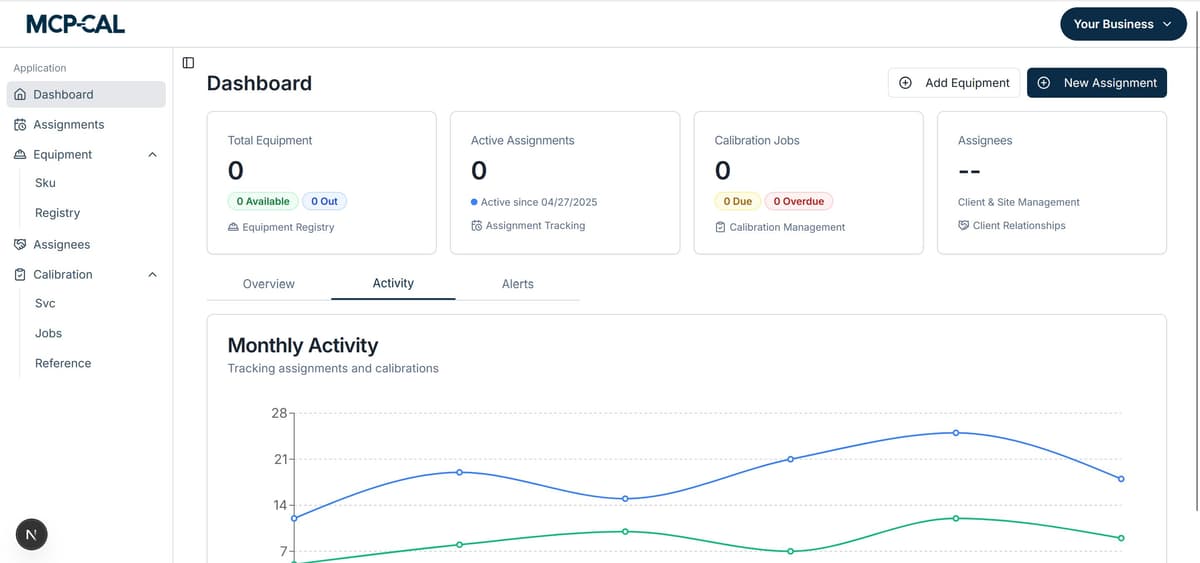
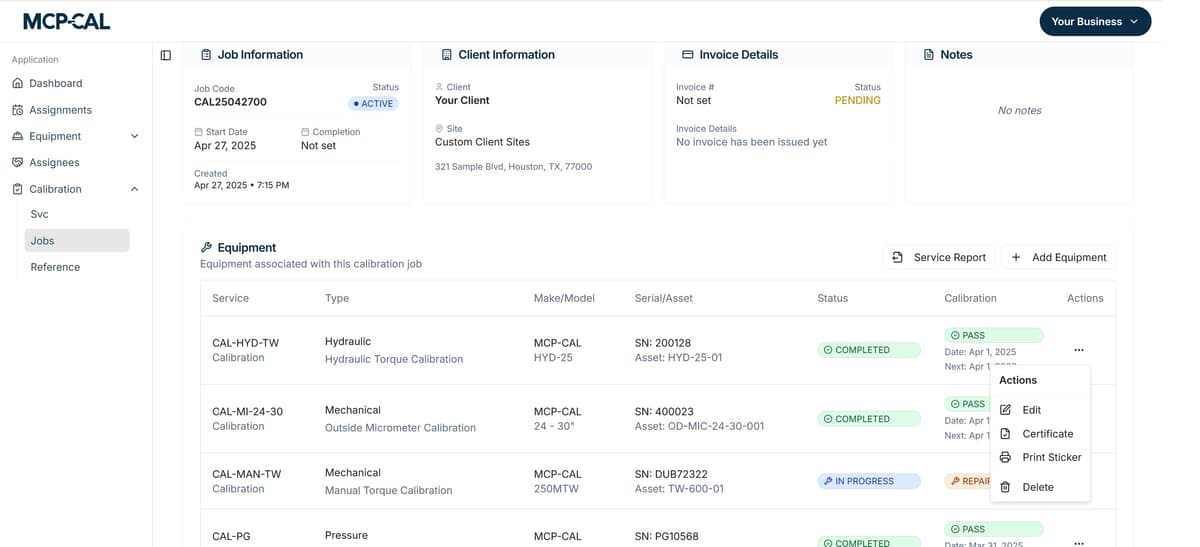
Complete Job Management Dashboard
Your central hub for managing all calibration activities. Track equipment, assign jobs to team members, monitor progress, and generate certificates - all from one intuitive dashboard with real-time collaboration.
- Equipment inventory tracking with real-time status updates
- Team assignments with progress tracking and notifications
- Automated certificate generation with digital signatures and QR codes
Mobile QR Scanning & Field Work
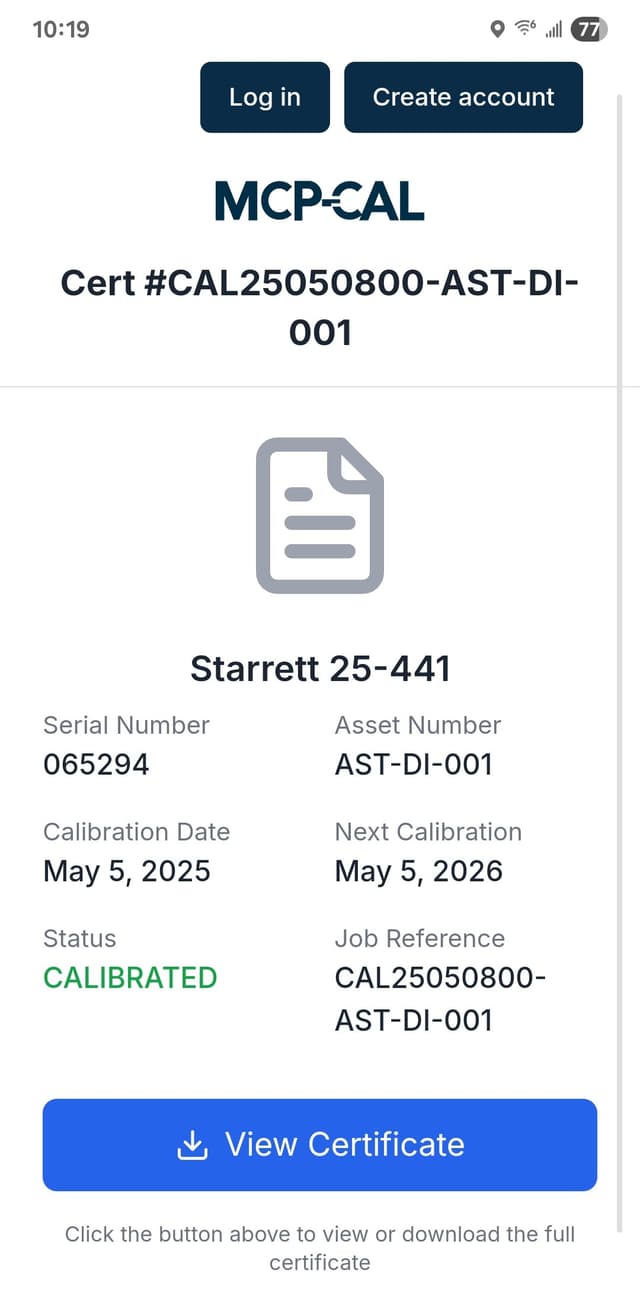
Scan QR codes to instantly access equipment history, assign calibration jobs, and update status from anywhere. Perfect for field technicians and multi-location teams working across different facilities.
- QR code scanning for instant equipment identification and access
- Real-time job updates and team collaboration from any location
- Instant certificate sharing and assignment notifications
Professional Certificate Generation
Generate professional calibration certificates and detailed reports following ISO 17025 standards with digital signatures and comprehensive traceability.
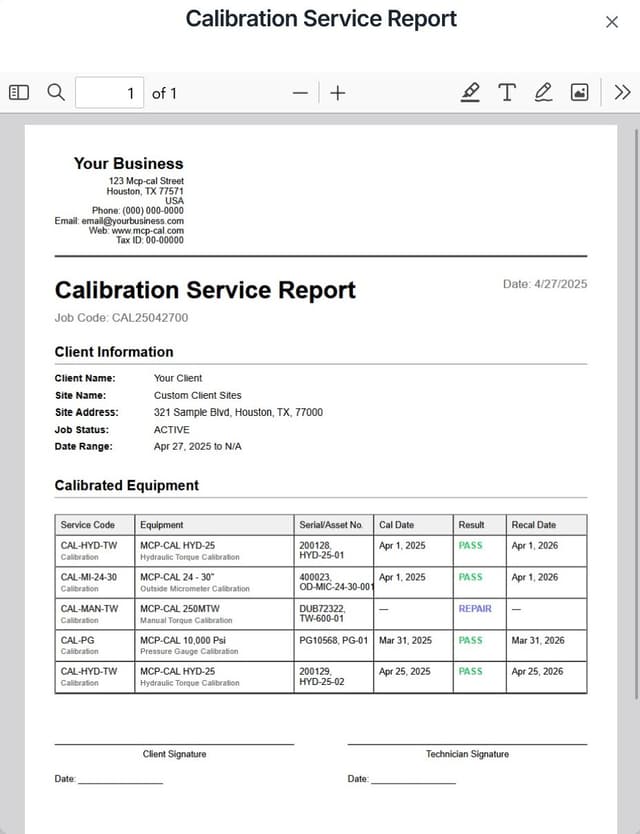
Calibration Certificate
Following ISO 17025 standards
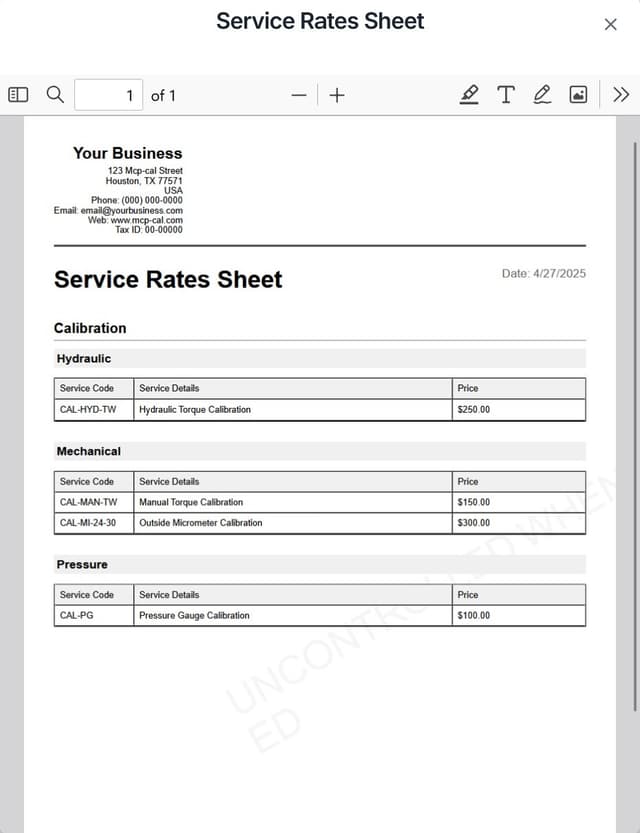
Detailed Analysis Report
Comprehensive measurement data
Digital Signatures
Secure digital signatures with tamper-proof validation
Standards-Oriented Design
Methodology designed in accordance with ISO 17025, ANSI/NCSL Z540, GUM and instrument standards (e.g. ASME, ISO 6789).
QR Verification
Instant certificate verification with QR codes
Your Complete Calibration Workflow
From equipment setup to certificate delivery, MCP-CAL guides you through each step with automated scheduling, team assignments, and built-in quality controls.
Add Equipment & Team
Register your equipment with QR codes and invite team members to collaborate on calibration jobs.
Create & Assign Jobs
Schedule calibration jobs and assign them to team members with automated due date tracking.
Complete Calibrations
Follow built-in procedures, update job status, and document results using mobile QR scanning.
Generate & Share Certificates
Automatically create professional certificates with QR verification and share them instantly.